
The native macOS
Typst editor
Write, preview, and ship beautiful documents at native speed — with the entire Typst toolchain built right into the app.
Free 7-day trial · no credit card
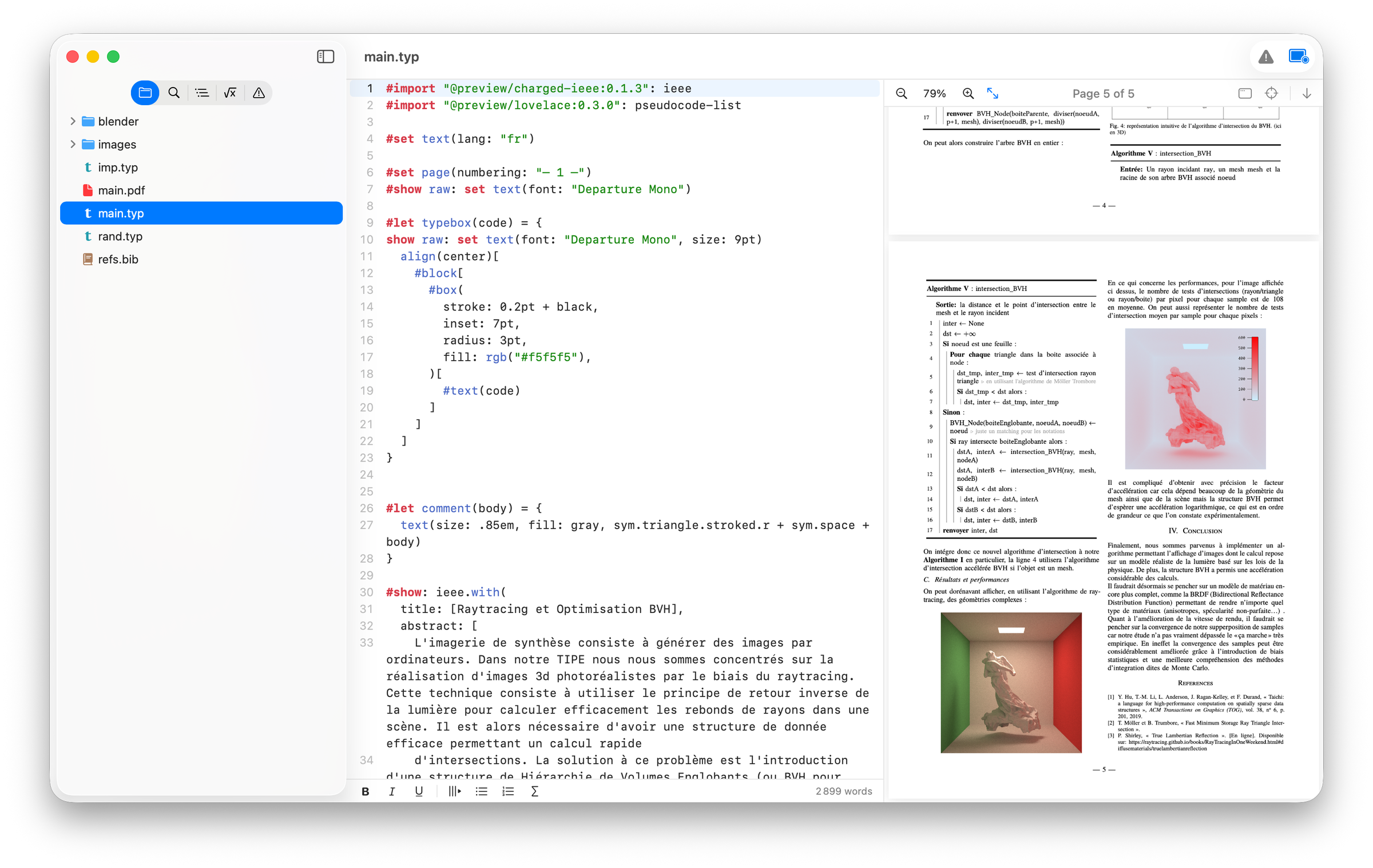
Live preview
Edit on the left, see it on the right.
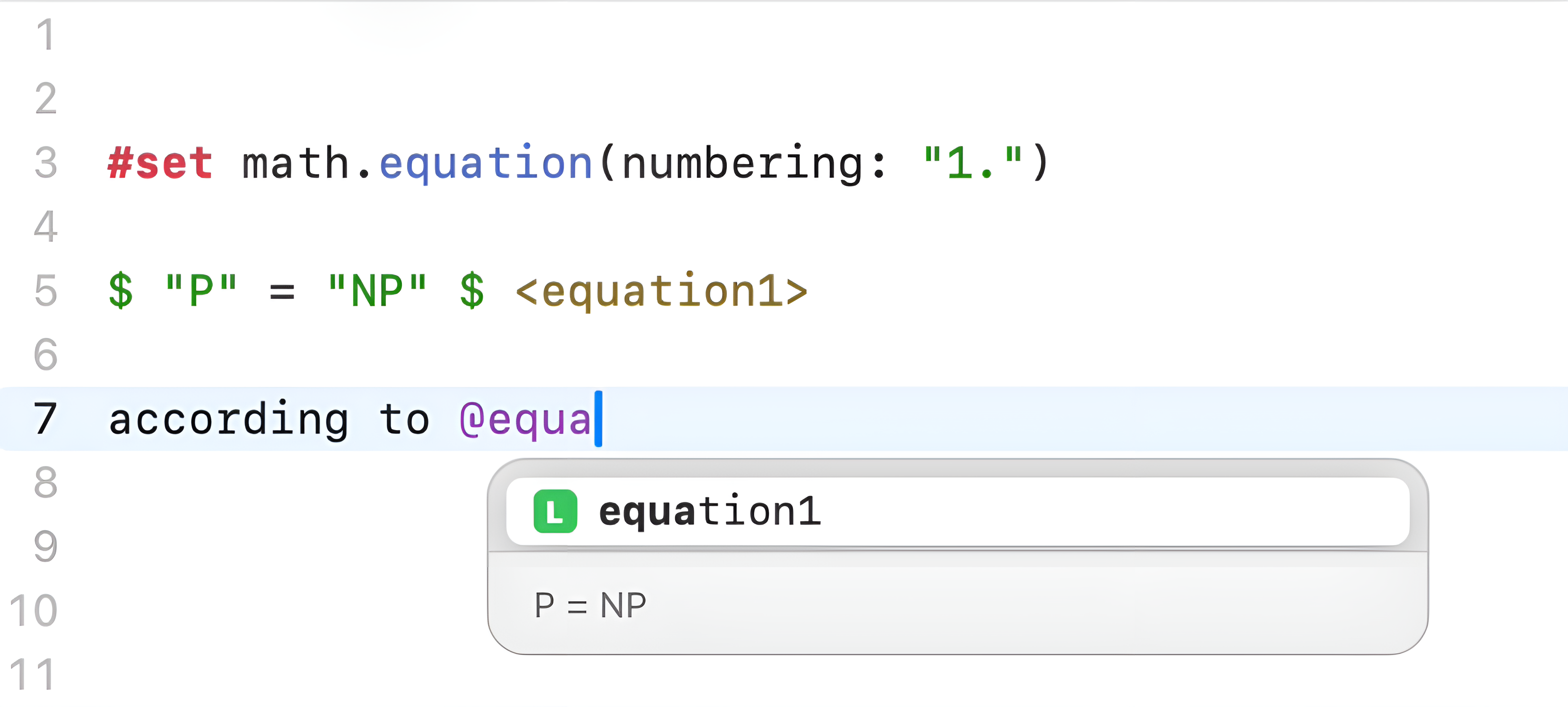
Built for Typst
Syntax highlighting & smart completion.
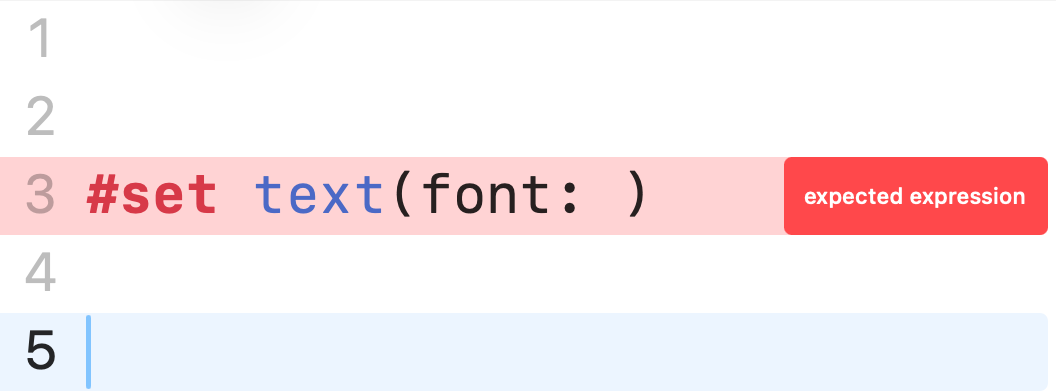
Stay in flow
Errors, right where they happen.
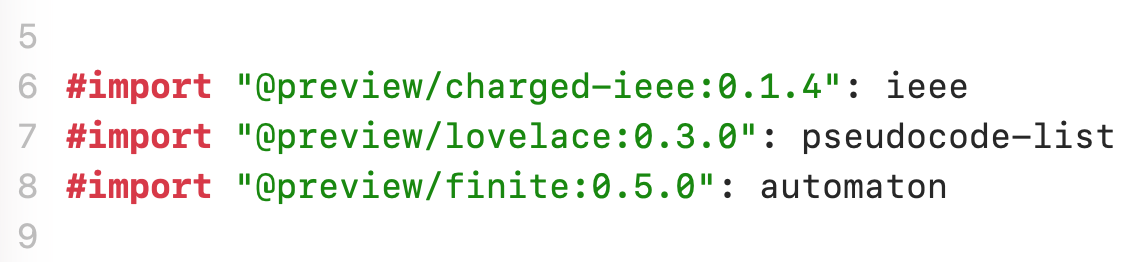
Zero setup
Packages, handled automatically.
More to explore.
-
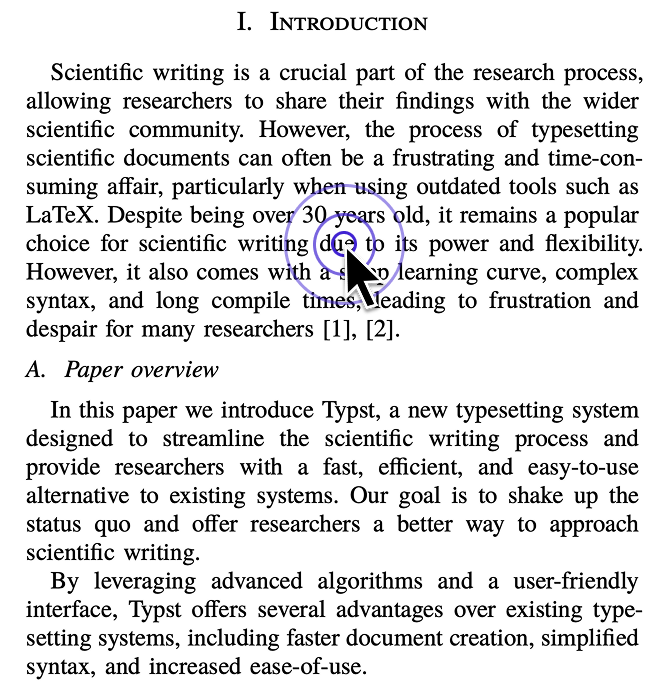
Click to edit. Click anywhere in the PDF and Edist jumps your cursor to the matching line in the source.
-
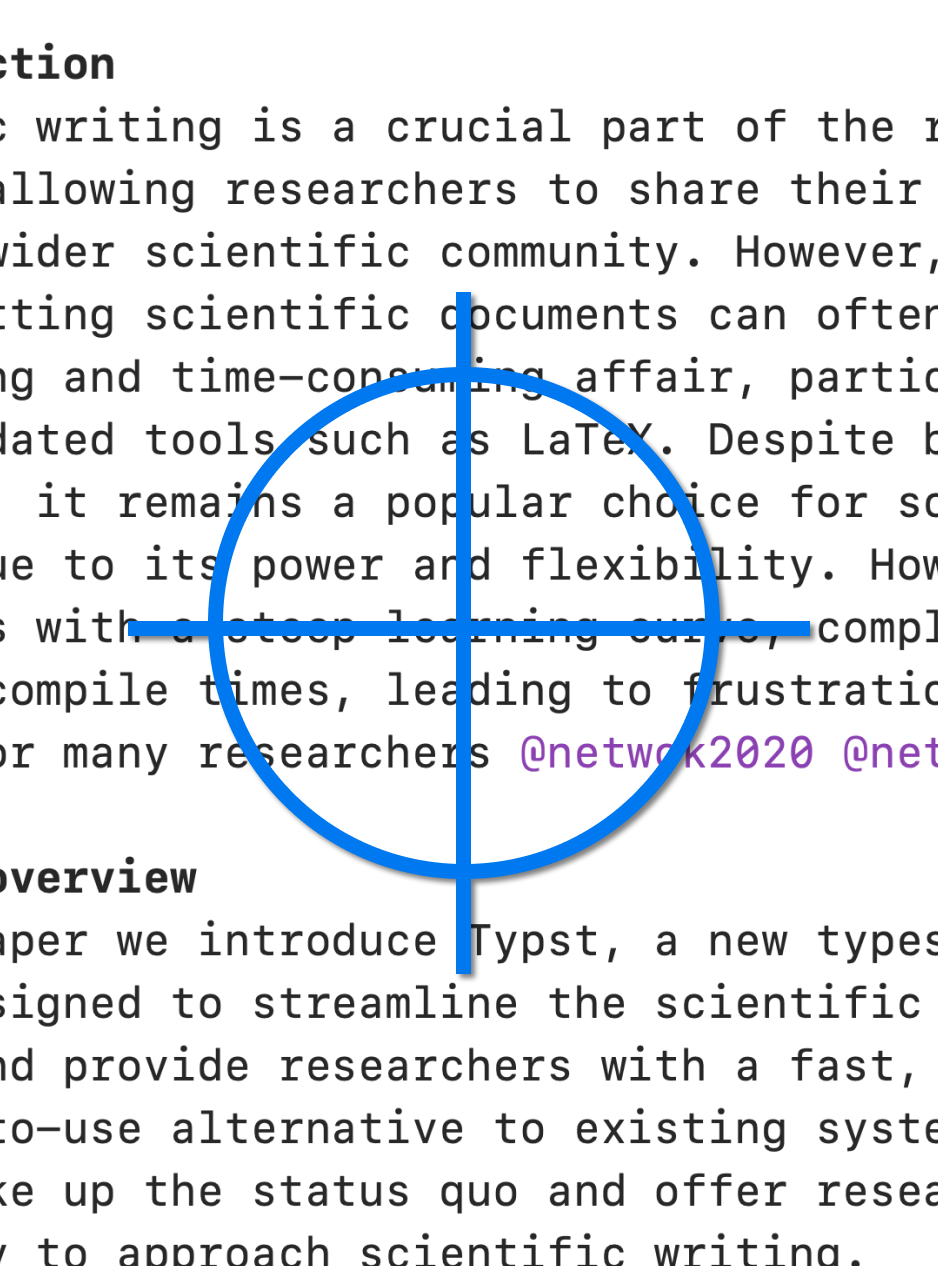
Focus follows you. The preview automatically scrolls to and highlights whatever you’re editing.
-
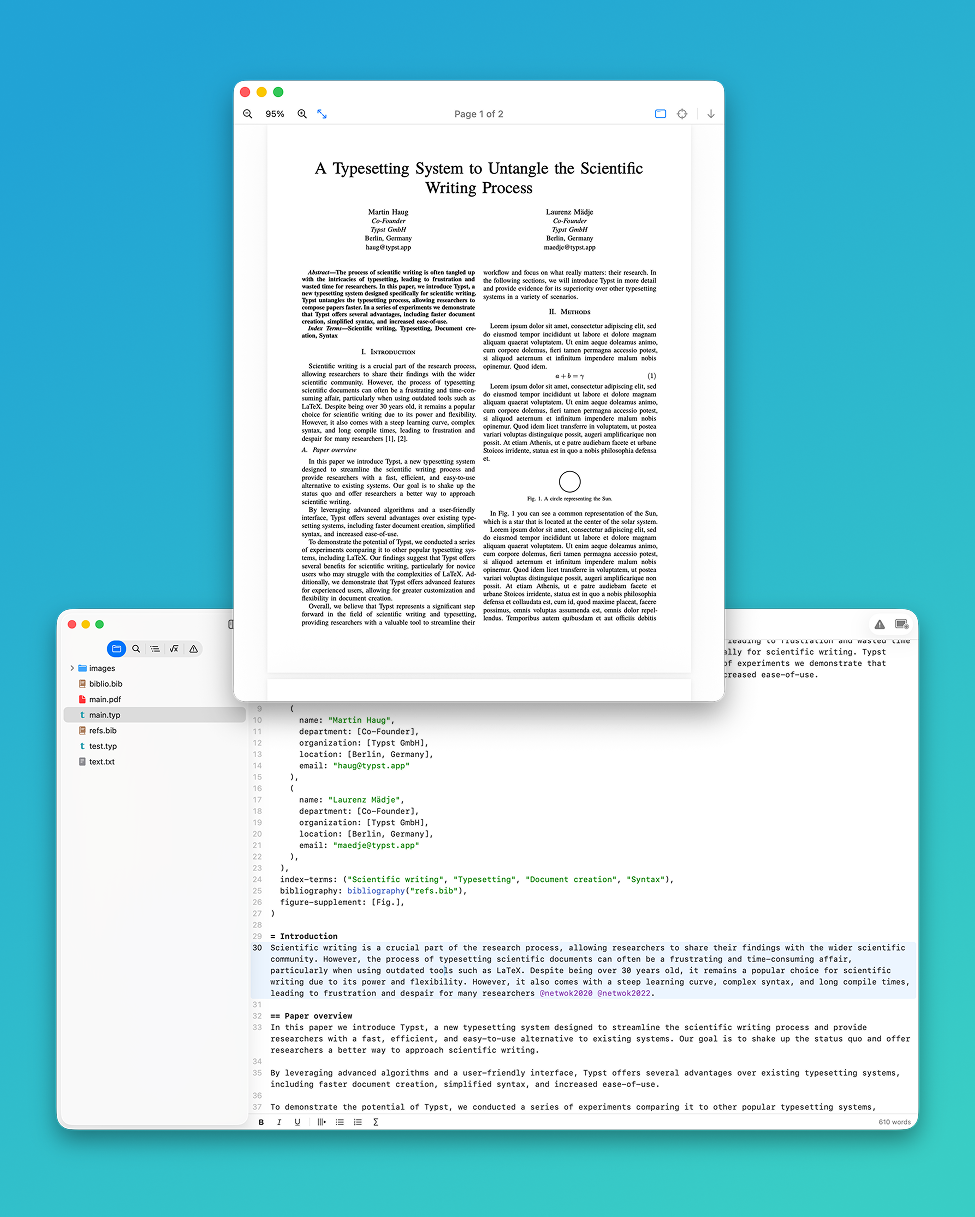
Preview in its own window. Pop the live preview out into a separate window — perfect for a second display.
-
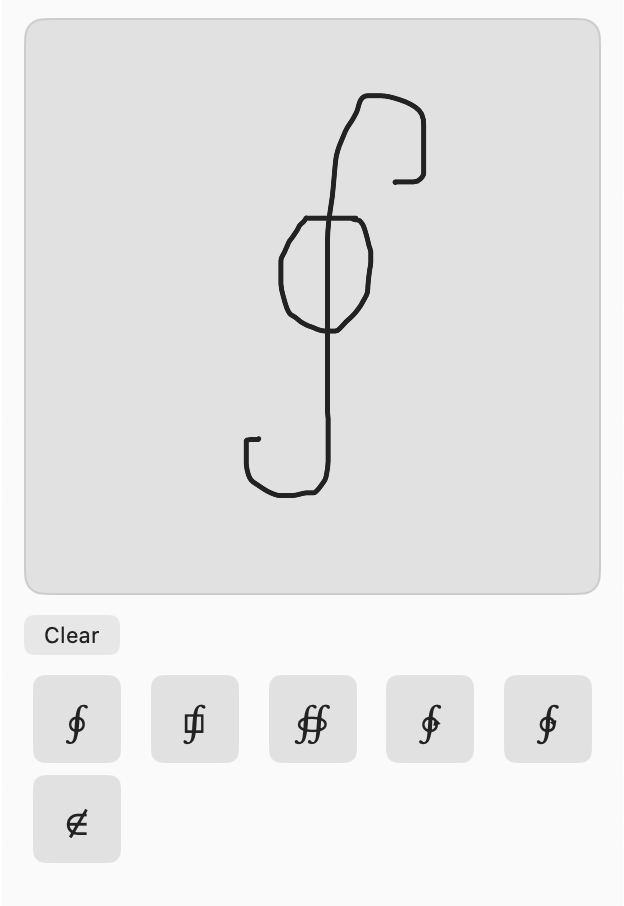
Handwritten symbols. Draw a symbol and Edist recognizes it, inserting the right Typst markup for you.
-
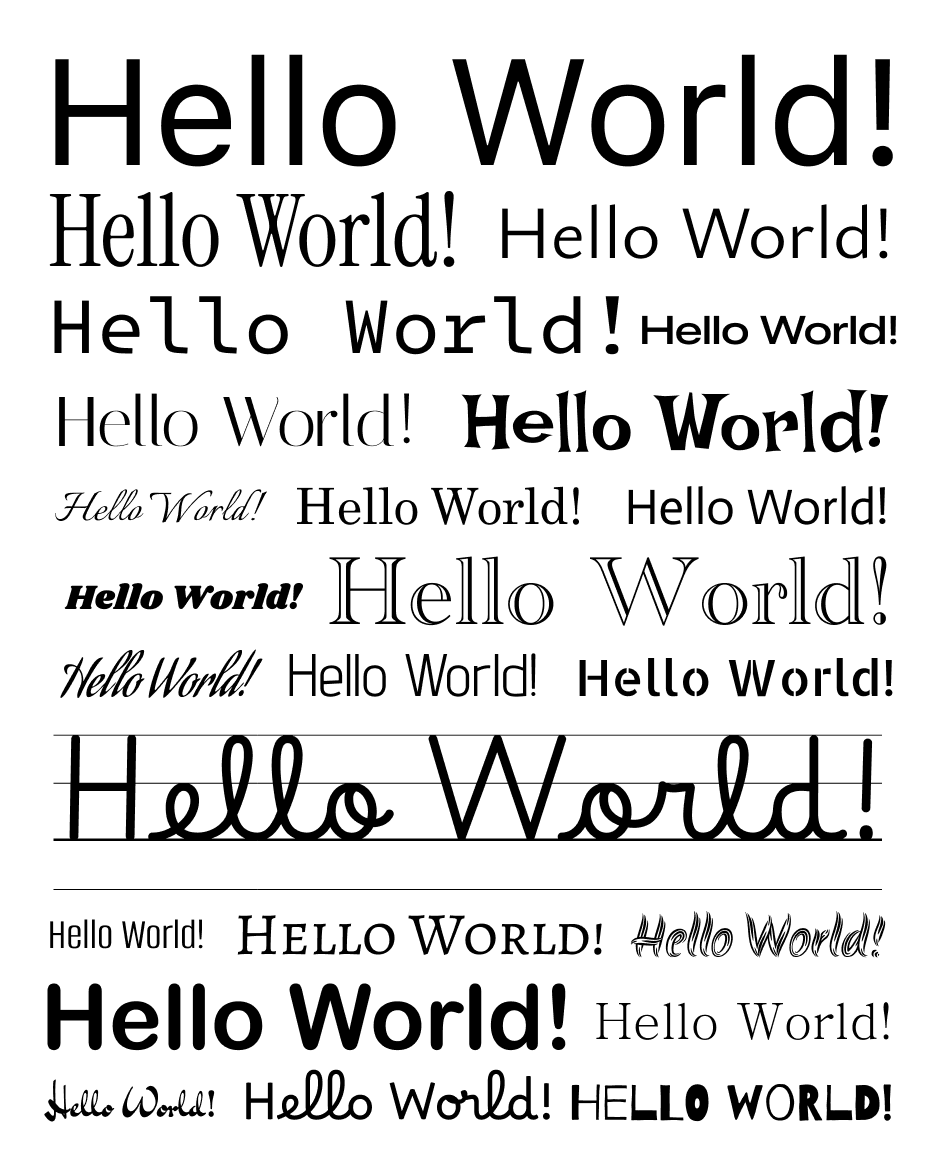
Bring your own fonts. Use any font installed on your Mac.
-
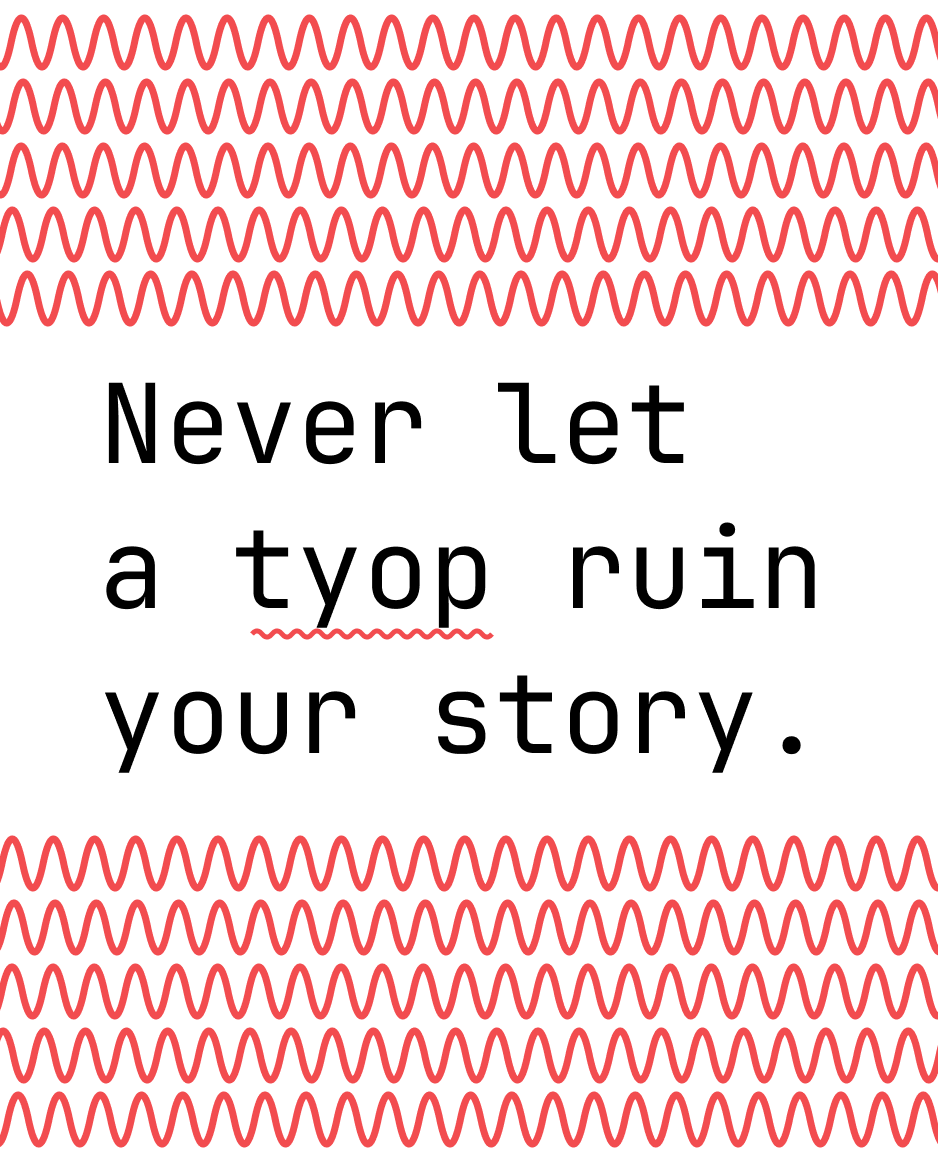
Catch every typo. Built-in spell checking underlines mistakes inline as you write.
And so much more.
- Vim bindings
- Image preview
- PDF preview
- Typing sound
- Download additional compilers
- Automatic updates
- Localization
- Editor themes
- Animated caret
- Rounded selection
- Local packages
Pricing
Try it free. Buy it once.
The full app, free for 7 days — then a single payment keeps it yours for good.
Back to school · 30% off
Buy direct
1 active device
Every feature, every future update — included for life.
Pay once. It’s yours for good.
No account needed · secure checkout by Polar
Also on the Mac App Store — licensed to your Apple Account, for every Mac you sign in to.
Frequently asked questions
Is Edist a one-time purchase or a subscription?
A one-time purchase. Pay once and Edist is yours forever, and every future update is included.
How many Macs can I use one licence on?
One licence activates Edist on a single Mac, so if you use more than one you’ll need a licence for each. Prefer it tied to your account? The Mac App Store version links your purchase to your Apple Account, so Edist is available on every Mac you’re signed in to.
Get Edist on the Mac App StoreIs there a free trial?
Yes — a free 7-day trial with every feature unlocked, no credit card required. Buy whenever you’re ready.
Do I need to install Typst or any other tools?
No. The entire Typst toolchain is built into the app — nothing to install, no command line, no dependencies to manage.
Which languages does spell checking support?
Spell checking uses macOS’s built-in spell checker, so every language your Mac supports is available — it checks in whichever languages you’ve enabled in System Settings, no extra setup.
Which Macs are supported?
Edist runs on macOS 15 Sequoia or later, on both Apple silicon and Intel Macs.
How do updates work?
Updates are delivered automatically and are free for the lifetime of your licence.
Still have a question? support@edist.app
Get Edist.
Beautiful documents, the native way. Free for 7 days — then a one-time purchase, yours forever.
Start your free 7-day trial